Give suppliers and internal teams a controlled workspace around inventory, replenishment, and delivery commitments — without opening up your ERP.

The Shift
See what breaks down in a typical replenishment process and how Vendor Managed Inventory fixes it.


Capabilities
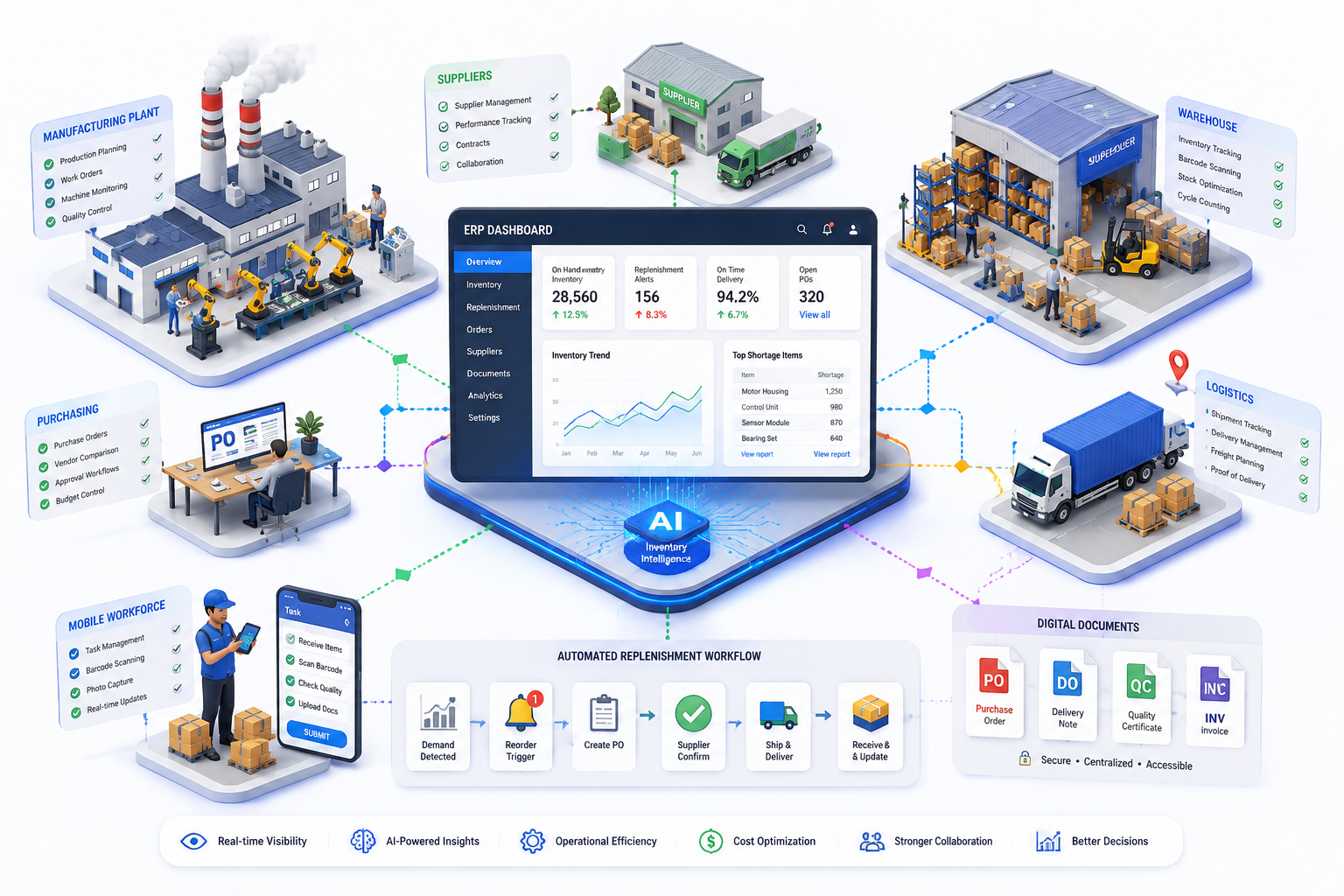
From stock visibility to delivery commitments — one workspace your suppliers and plant teams actually use.
Supplier-specific material requirement and stock position views
Reorder point, shortage, and replenishment tracking
Supplier delivery commitment entry through a controlled portal
Exception records for shortages, delayed delivery, quantity mismatch, or quality hold
Role-based supplier access — no direct ERP login required
Sync with ERP through APIs or scheduled integration
ERP Integration
No ERP replacement, no supplier ERP access. A controlled replenishment layer that captures, commits, and confirms every delivery before it touches the system of record.
Every replenishment request follows a defined sequence — raised, committed, reviewed, and received before it reaches ERP.
A material falls below its reorder threshold for a plant, based on ERP stock and demand data.
A replenishment request or shortage exception is created for the affected material.
The supplier sees only their items and commits a delivery quantity and date through the portal.
Buyer reviews and approves the supplier's commitment before delivery.
Stores team receives the material and uploads delivery evidence from mobile.
Quantity and quality confirmed against the commitment; the record is closed with full document and approval history attached.
A quantity or quality mismatch starts an exception workflow instead of closing the record.
Configure your supplier portal, set reorder thresholds, and your first replenishment commitment comes in without a single email.
Tell us about your workflow. We'll walk you through Vendor Managed Inventory live and show exactly how it fits — no commitment required.
Add your team, map your data, and connect your existing systems. Our specialists configure Vendor Managed Inventory around your exact workflow.
Operate on real data from day one. As your business grows, Vendor Managed Inventory scales with you — no rework, no rebuilds needed.
Live Walkthrough
From the moment a material falls below threshold to the moment it is received — here is how it moves through the workflow.
ERP stock and demand data for selected supplier materials is available in one place.
A material falls below its threshold for a plant.
A replenishment request or shortage exception is created automatically.
The supplier sees only their items and commits a delivery quantity and date.
The buyer reviews and approves the supplier's commitment.
The stores team receives the material and uploads delivery evidence from mobile.
If the quantity or quality differs, an exception workflow starts.
A dashboard shows supplier commitments, shortages, pending documents, and late deliveries.
Application Preview
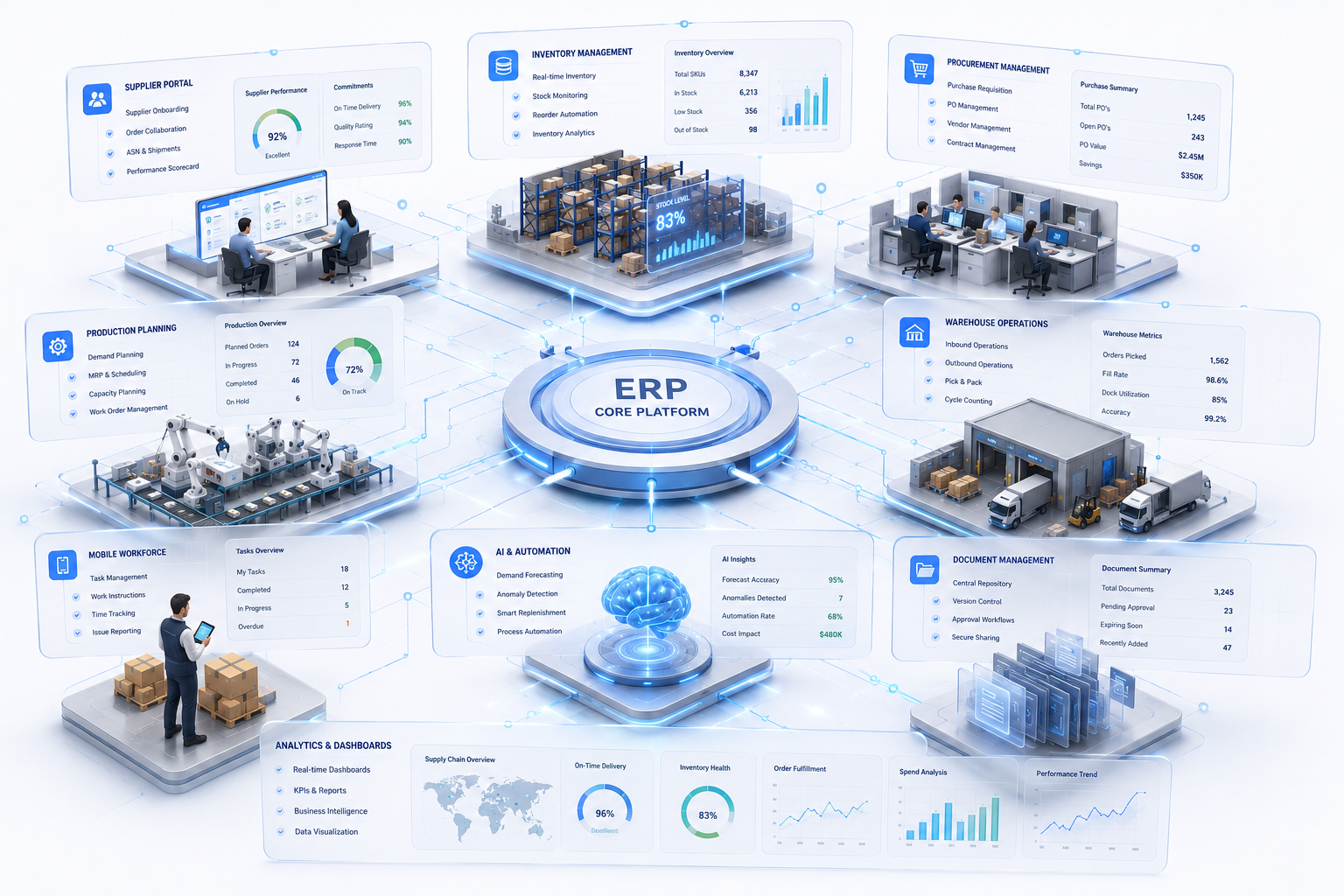
Explore the supplier portal, replenishment workflow, and exception dashboard — before your team goes live.



Are you looking for Procurement Workflow Extension?
Vendor Managed Inventory
VMI automation that keeps production lines fed — without manual follow-up, emails, or spreadsheets.